

AppData
View & Manage Applications Data from your Home Screen
- Version
- 1.4.0
- Updated
- Jun 7, 2023
- Requires
- iOS 11+

About
About AppData
Compatible with iOS 11+
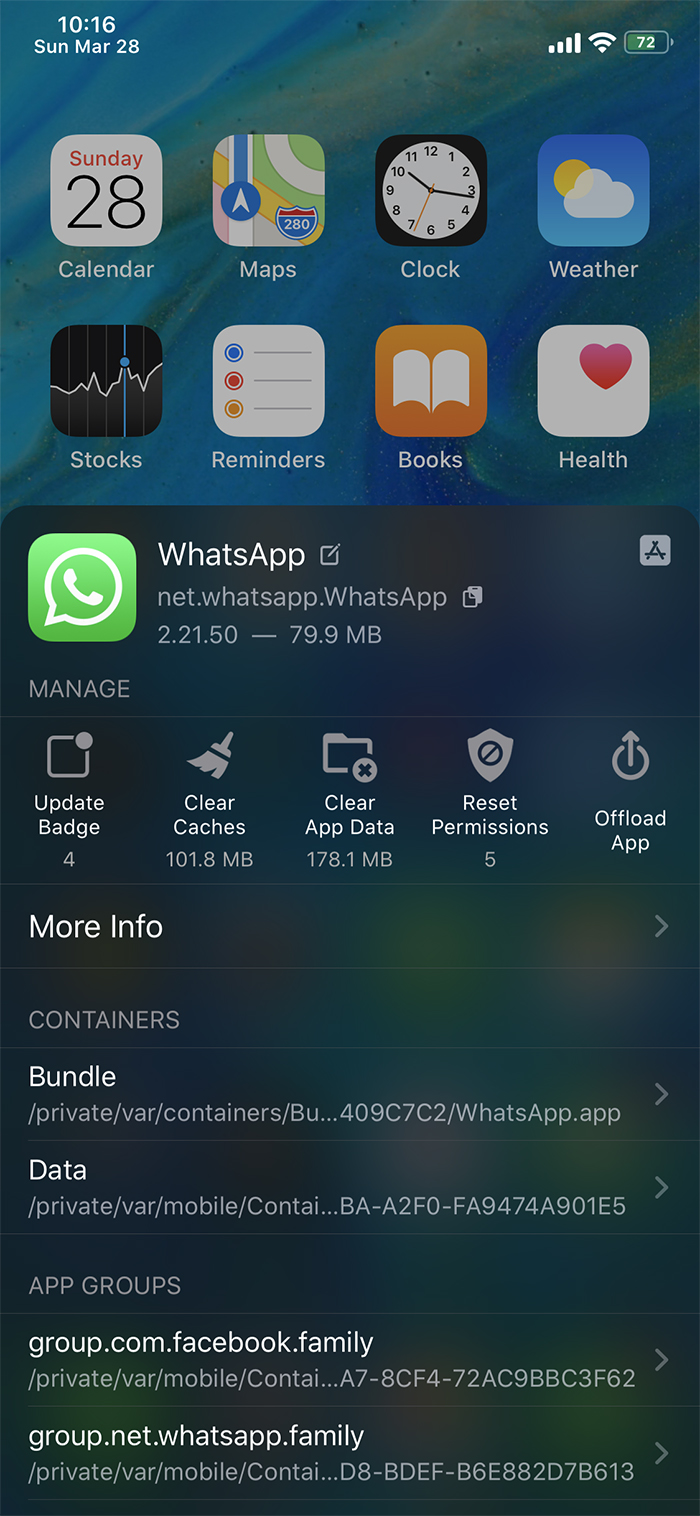
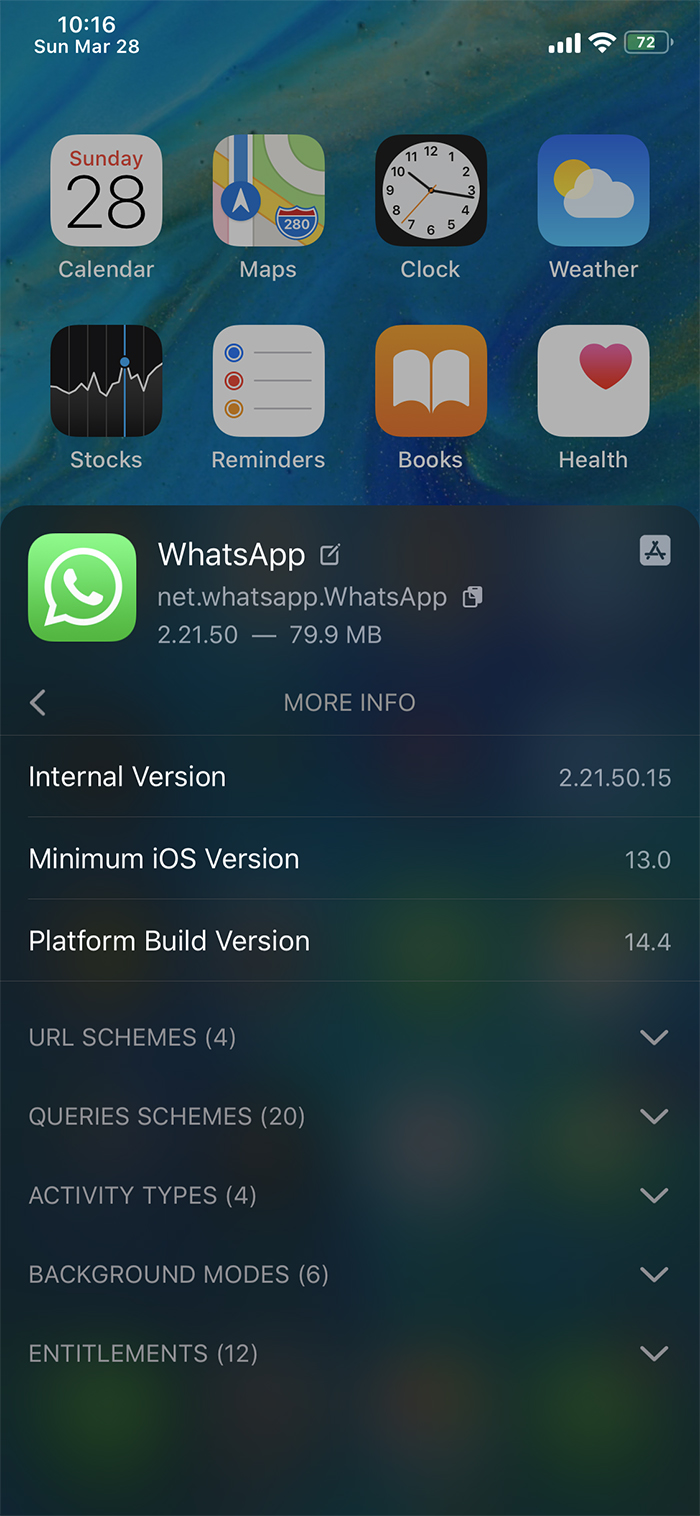
View and access the data of your apps by either swiping up on the icon or from the force touch menu.
- View the app bundle version and size
- View and copy the app bundle identifier
- Edit the app icon name
- Clear or update the app badge count
- Check the app data/caches size and clear them
- Offload apps by uninstalling them and keeping data
- Reset apps permissions
- Access the app bundle & data containers
- Access the app container groups
- Open the AppStore page of the app
Configure options from settings.
Source code available on GitHub.
What's new
Version 1.4.0
Released June 7, 2023.
- Re-written to support rootless jailbreaks
Install
Get AppData
- Requires
- iOS 11+
- Latest
- 1.4.0 · Jun 7, 2023
 Sileo
 Zebra
FAQ
Questions
12,710 people talk tweaks on Discord.
Get help from the developer, request features and hear about updates first.
- #support
- #feature-requests
- #updates
- #general